



iPhone call block: Everyone makes this question. How to block spam calls on iPhone? In this article, I will share with you the three methods of the iPhone call blocking system.
.
1. Block a number
To block any caller, touch the “I” info icon next to the number. Next, hit Block Contact. If you wish to unblock any banned numbers, go to Settings, Phone, and Blocked Contacts. You’ll see all the blocked numbers. You may delete any number by hitting the red (-) minus button and then unblocking it in the upper right corner. That’s the easiest method to iPhone call blocking. Want to know more about how to block spam calls on iPhone deeply? Please read no 2 articles.
2. Activate the Silence Unknown Callers feature.
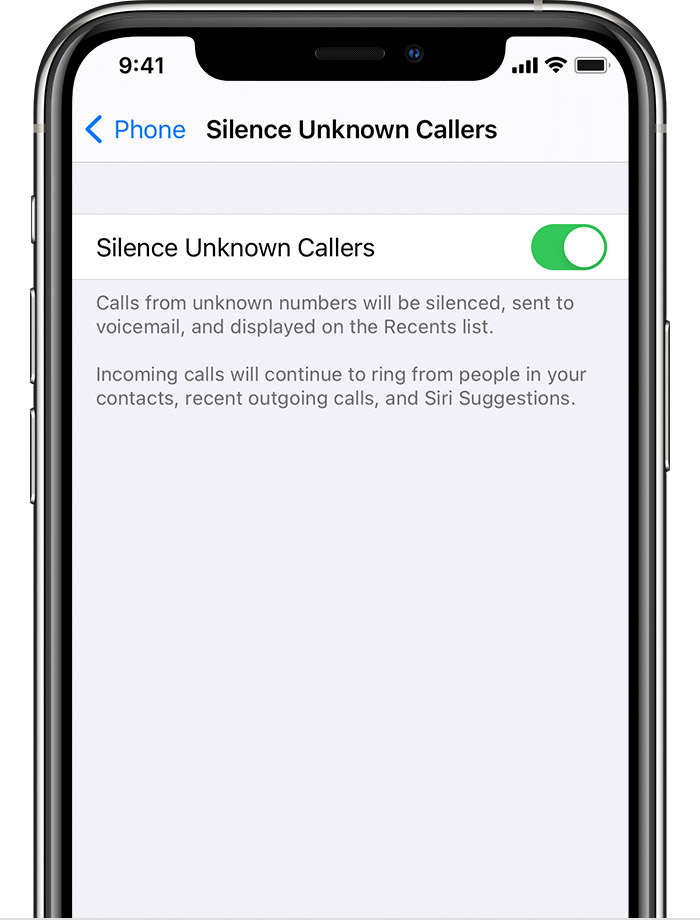
Silence Unknown Callers is a feature included in iOS 13 and later that lets you block calls from numbers you don’t recognize.
Silence Unknown Callers is a feature available in iOS 13 and later that allows you to avoid receiving calls from persons you don’t know. This prevents you from calling phone numbers you’ve never called and don’t have saved in your contacts list. A phone call from that number will go through if you’ve already texted with them using their phone number or if they’ve provided their phone number with you in an email.
To enable Silence Unknown Callers, go to Settings > Phone, scroll down to Silence Unknown Callers, and enable it. Unknown callers are hushed and routed to voicemail, and their numbers appear in your recent calls list. Check your saved contacts before enabling Silence Unknown Callers, or you may miss a crucial call.
If you don’t answer the phone, the call goes to voicemail and shows up on your recent calls list. What do you think? this feature is not perfect for you. Want to do it more effectively and know more about how to block spam calls on iPhone with a third-party app? Please read no 3 articles.

Keep Reading:
iPhone 14 Pro Likely to Come with the Biggest RAM
3. Set up a spam call blocking app
If you have any useful apps installed to the iPhone call block, the Call Blocking & Identification feature will work. You’ll need to choose one or two apps to assist you in blocking those annoying spam calls.
Spam-blocking apps are available in the App Store, so we’ll limit our suggestions to only those we believe will be useful for you to try out.
RoboKiller

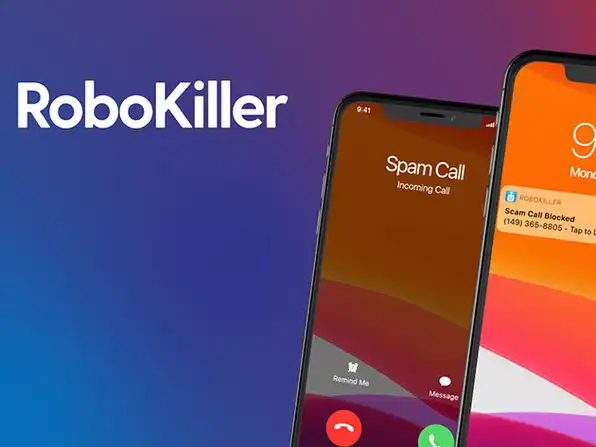
With RoboKiller, you can eliminate up to 99 % of spam phone calls! Using RoboKiller’s worldwide database of over 1.4 billion analyzed calls, you may be protected against common phone scams in real-time. Their revolutionary audio fingerprinting technology, which is powered by machine learning, prevents your phone from ringing with unpleasant and unsolicited calls. For the first time, you can truly live without receiving spam calls and never miss a valid phone call!
AT&T Call Protect

It’s a pleasure to use AT&T Call Protect! You can use it to prevent calls from entities that you don’t want to speak with, to alert you when you’re likely not to want to answer the phone and to keep track of everything that happens. AT&T customers have been protected 24 hours a day, seven days a week by proactive network security measures such as Automatic Fraud Call Blocking and Unwanted Call Warnings. Use of the app is highly recommended to iPhone call block.
T-Mobile Scam Shield

T-Mobile Scam Shield offers you control over features including Scam ID, Scam Block, and Caller ID. They use AI, machine learning, and proprietary technologies to evaluate every call. Their scammer defenses are updated every six minutes. Every year, Americans get billions of fraudulent calls. Your phone is protected from scammers using their Scam ID and Scam Block technology. Your caller ID now shows even if they aren’t in your contacts. Enable complete Caller ID access with T-Mobile Scam Shield to iPhone call block.
Truecaller

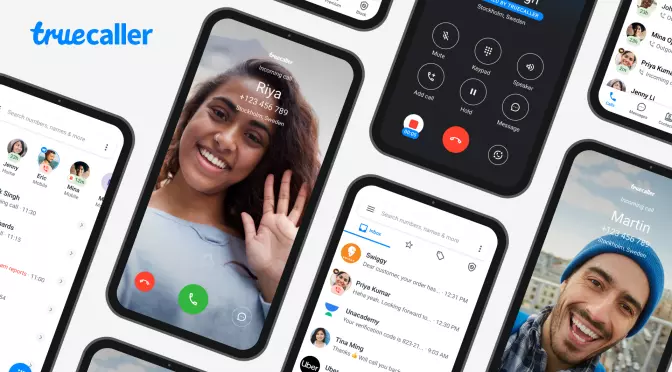
Truecaller block all spam calls and SMS may be identified and spam, as well as unknown numbers that call or SMS, which can be used to contact pals. They assert that your privacy is protected. In order to protect your privacy, your phonebook is never made searchable or accessible to anybody. Over 300 million people use Truecaller, making it the only software you’ll ever need. Here are some features of Truecaller,
- Avoid annoying spam calls & SMS.
- Smart messaging.
- Find the names of any caller.
- Powerful dialer.
You can use Truecaller to iPhone call block
Robo Shield Spam Call Blocker


Stop unwanted spam calls with the call blocking software developed by Pango, the world’s leading mobile security firm. Pango’s mobile security solutions have been trusted by over 650 million users globally, earning the company the title of ‘Most Innovative Security Company’ by Fast Company. Here are some features of Robo Shield Spam Call Blocker,
- Custom Call Blocking
- Up-to-date Call Protection
- Scam Protection & Identification
- Privacy
You can use block calls on iPhone to block calls on iPhone
Hiya – Call Blocker, Fraud Detection & Caller ID

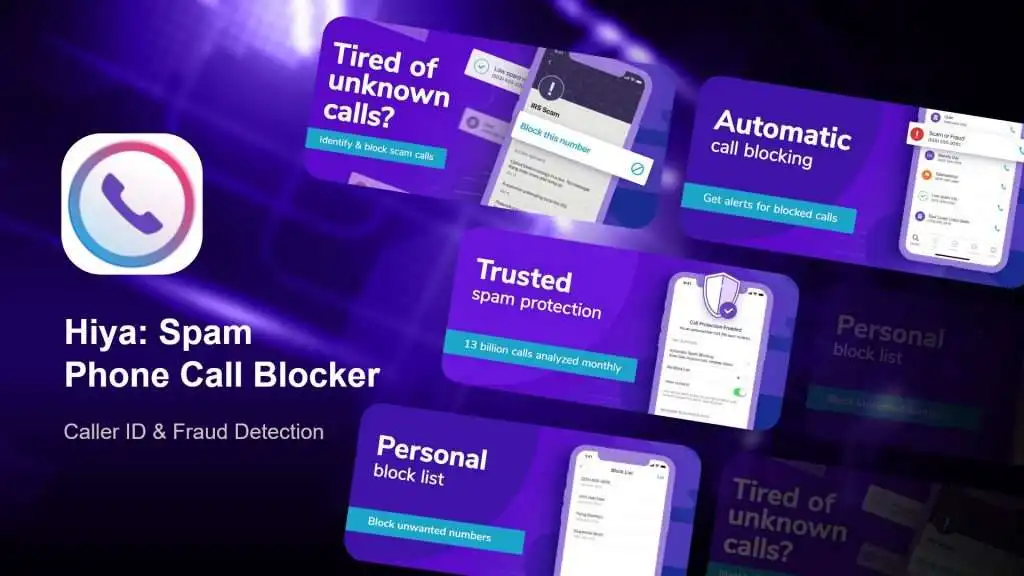
Get free spam alerts and put an end to those irritating scam phone calls and get it over with! Hiya displays the genuine caller ID, ensuring that you are always aware of who is on the other end of the connection. Download it right now for free and get immediate protection from spam calls. Their powerful features provide you with the ability to take command of phone conversations. Here are some features of Hiya,
- Phone spam protection
- Manage contacts
- Call blocker
- Caller id
- Reverse search
Keep Reading:
‘Oldboy’ director shoots short film entirely on iPhone 13 Pro
Uses of iPhone Call Blocking Apps and detect Unwanted Phone Calls.
Downloading an app from the App Store that detects and prevents spam calls.
Go to Settings > Phone
Tap Call Blocking & Identification.
Turn on or off Allow These Apps to block calls and provide Caller ID. You can also prioritize the apps. Tap Edit, then drag the apps into the desired order. Turn on or off Allow These Apps To Block Calls And Provide Caller ID.
It's important to note that Apple claims that the applications you use will have no access to any information about your incoming calls and will only be able to assist you in blocking and filtering your incoming phone calls. All the information and images we provide come from the Apple website and reference apps website. Click on the app name that you want to download.